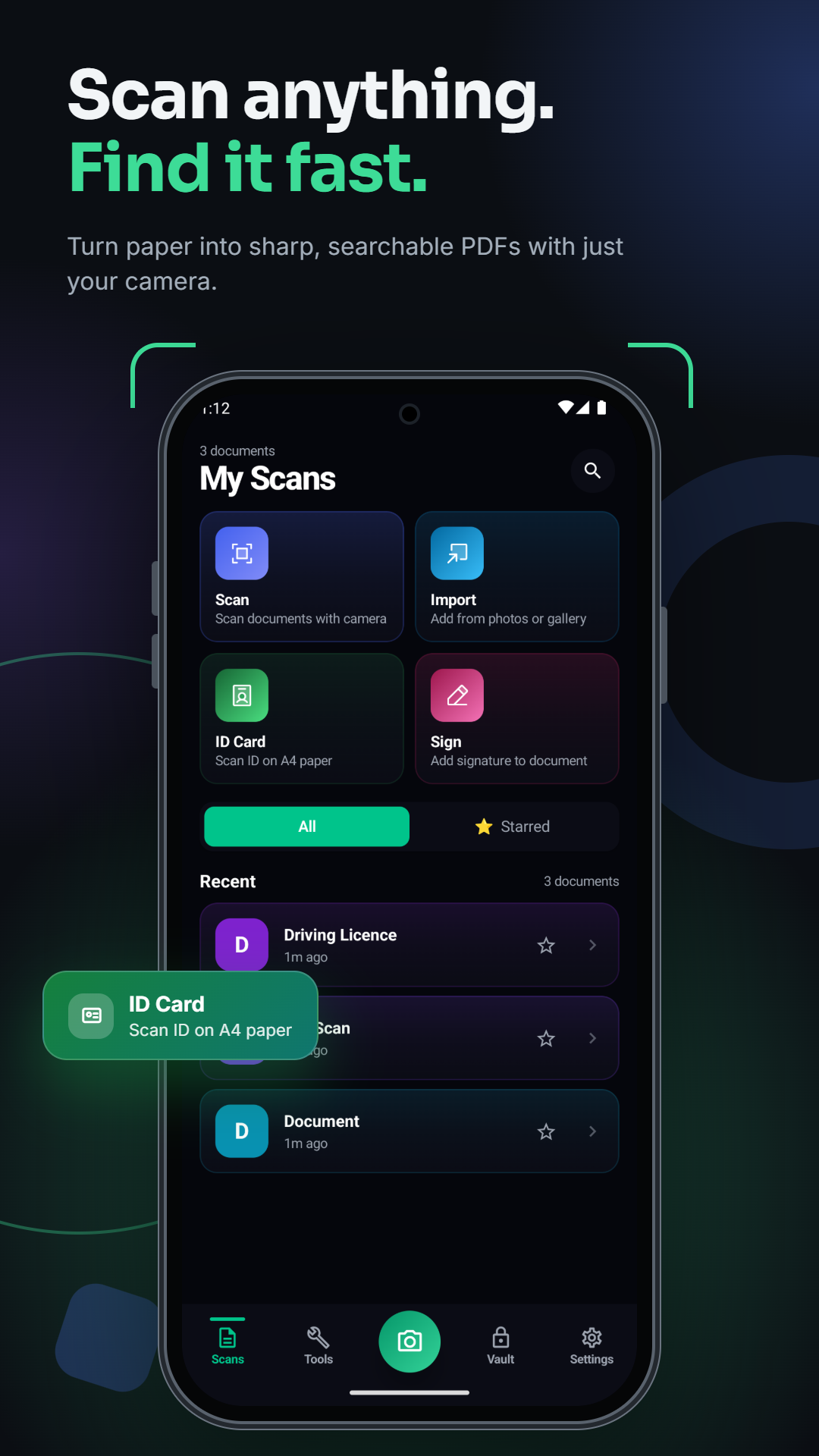
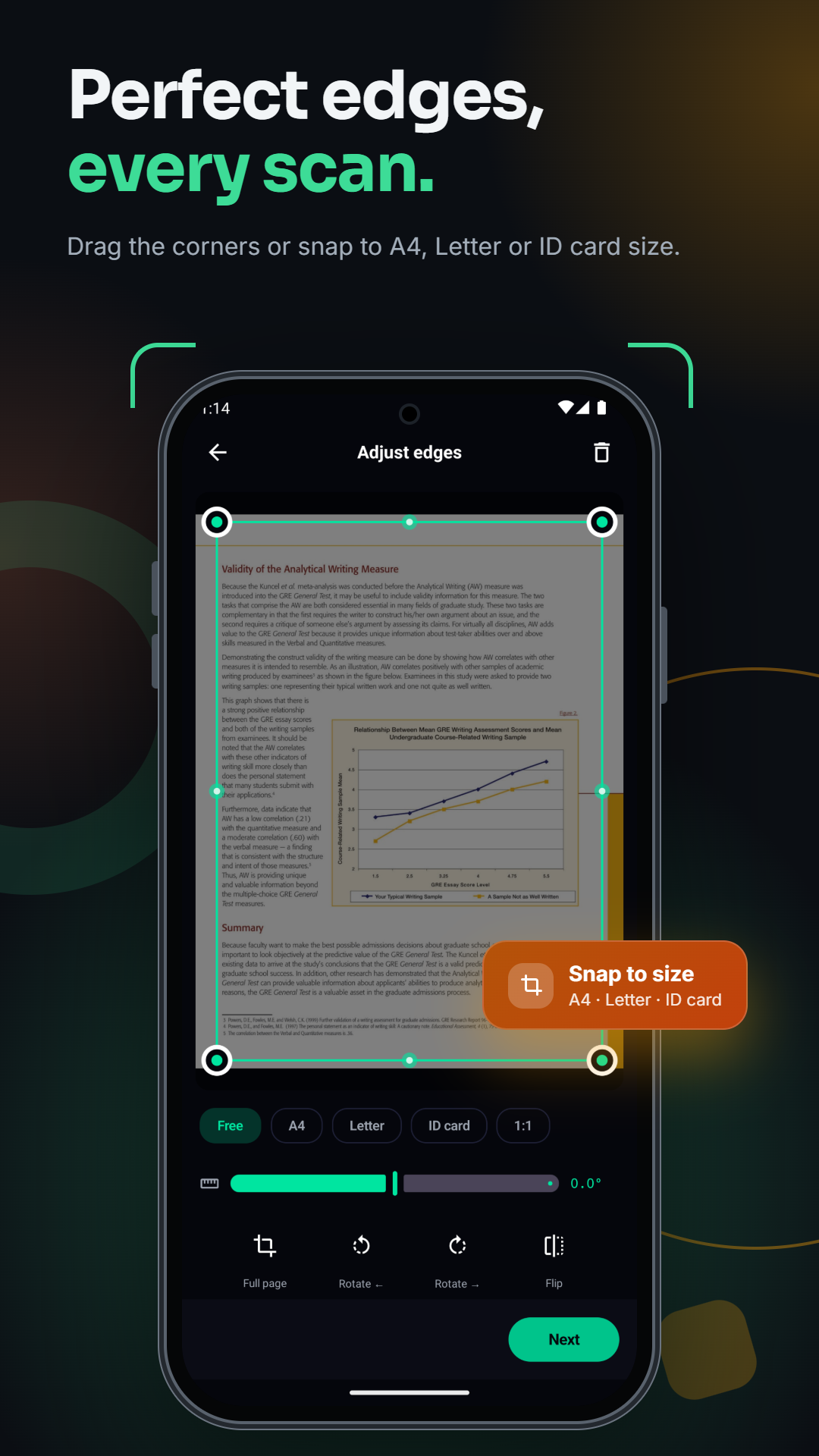
Scan documents to PDF
Use your camera or import images to create digital documents in seconds. Automatically detect page edges, adjust corners, crop, rotate, and enhance scans for a cleaner result. Scan multiple pages and combine them into a single PDF.
Extract text with OCR
Turn scanned pages and images into usable text. Paperly supports text recognition for English, Hindi, and Gujarati. Copy or share extracted text, save it as a text file, translate supported languages, or listen to the recognized text.
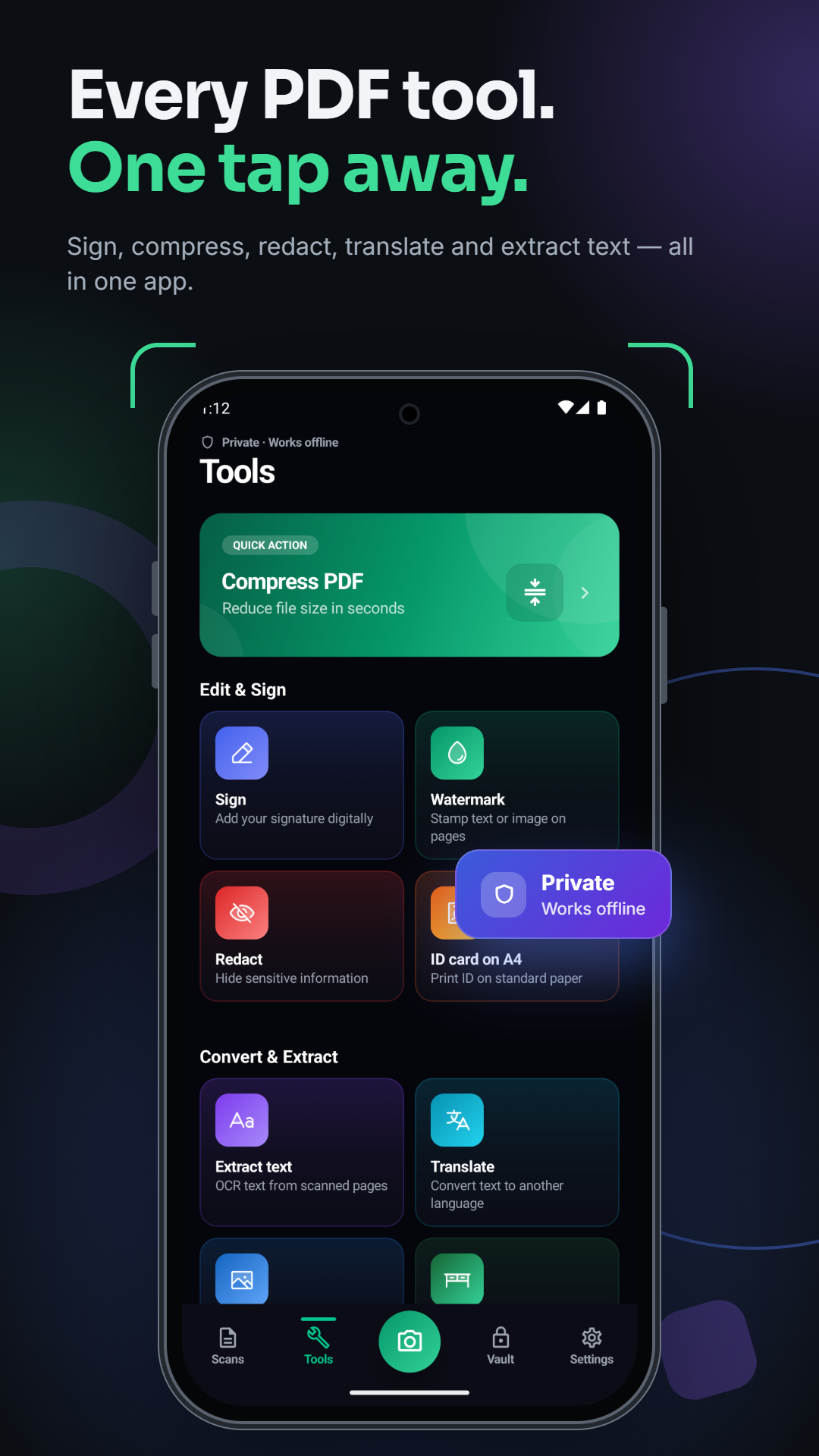
Compress PDF files
Need to meet a file-size limit for an online form or application? Reduce PDF size with adjustable compression settings. Choose between smaller files and better image quality, or set a target size in KB.
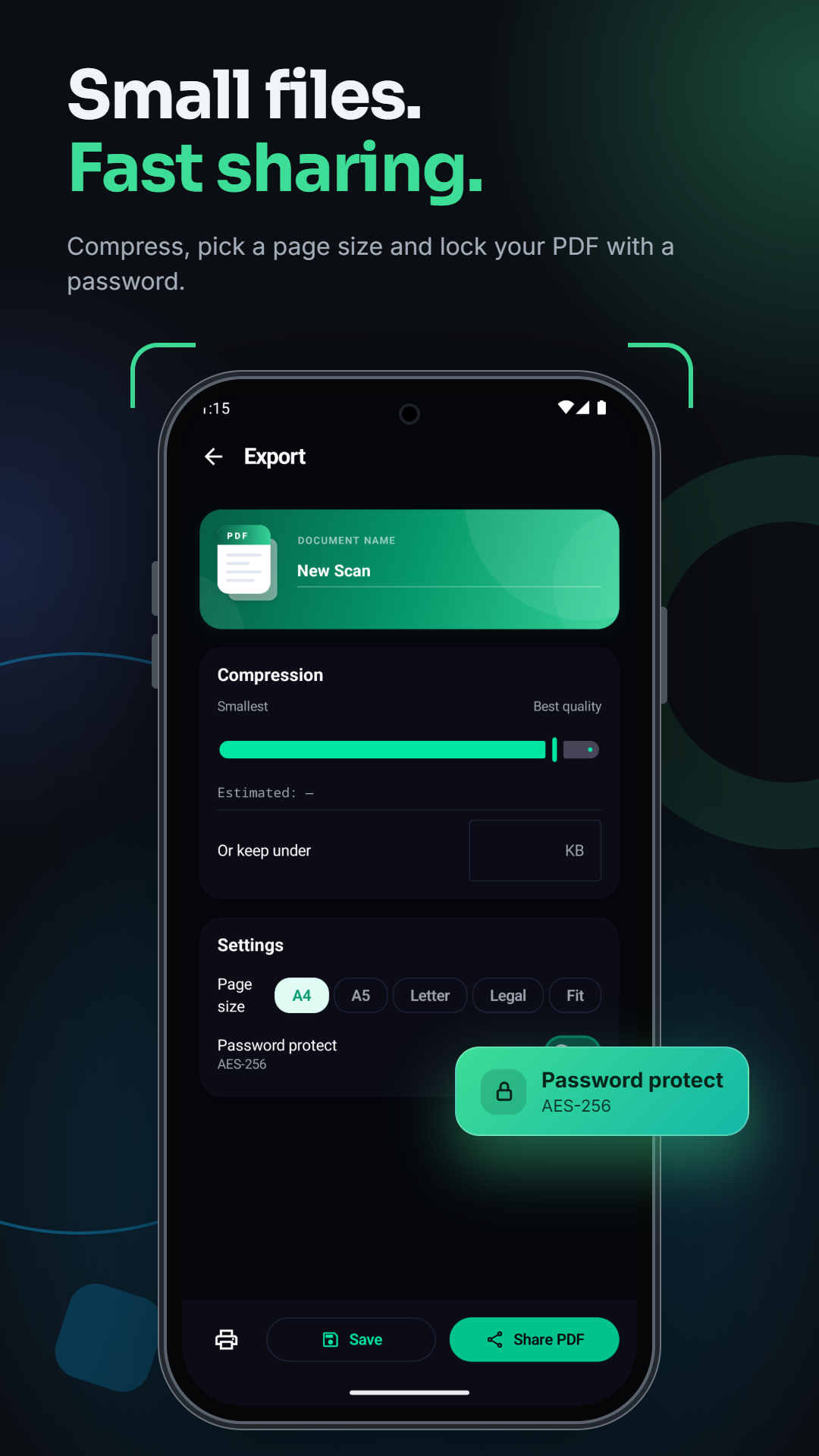
Powerful PDF tools
Manage your documents without switching between multiple apps.
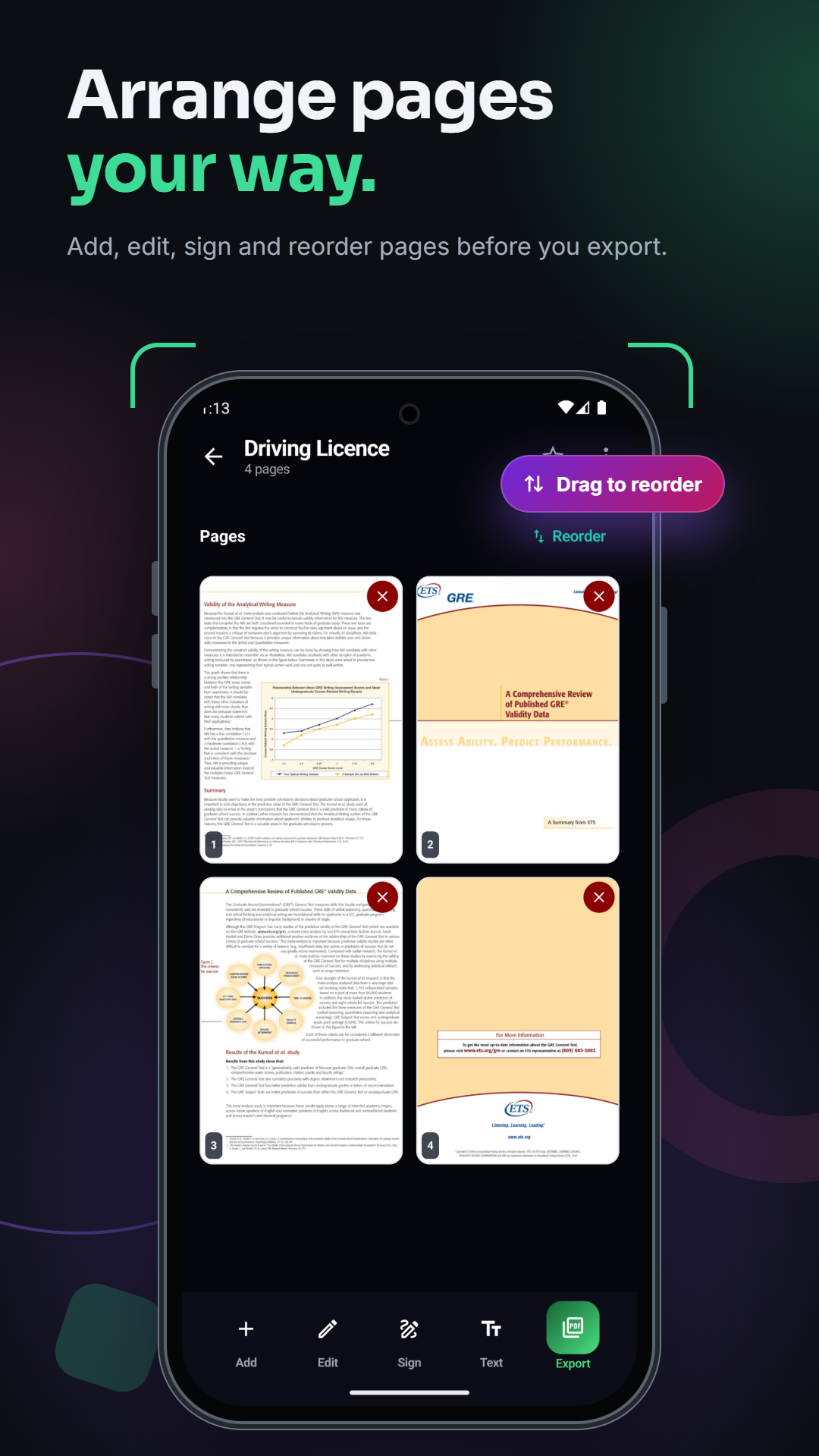
Sign and edit documents
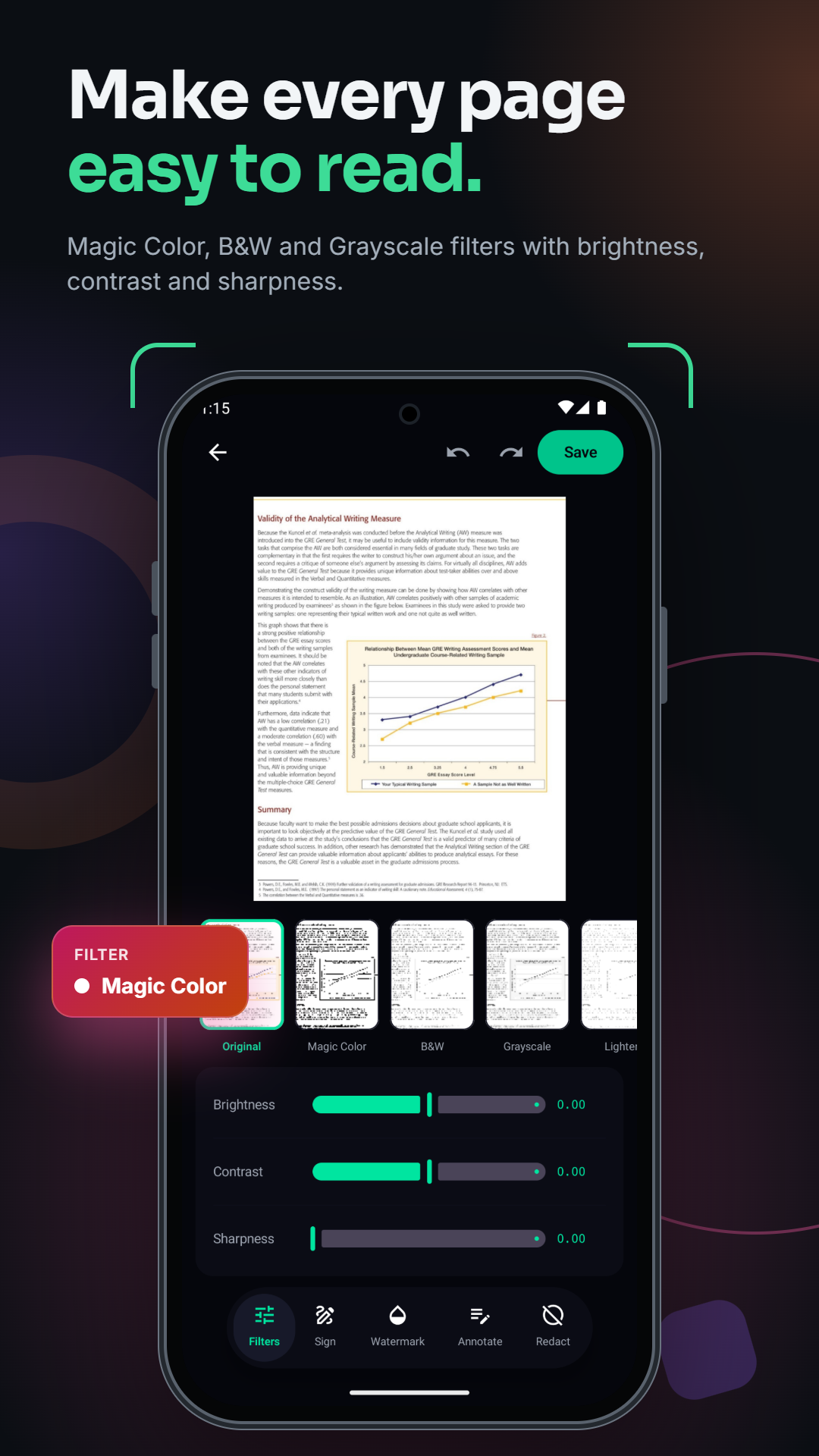
Add your signature by drawing it, typing your name, or importing a signature image. Save signatures for reuse, annotate pages, add watermarks, and redact sensitive information before exporting.
Scan ID cards
Capture both sides of an ID card and arrange them on an A4 page for printing. Choose supported layouts for organizing one or multiple cards.
Keep documents private
Paperly is designed with an offline-first approach. Your documents are processed locally for supported workflows, with no cloud account required for core scanning and PDF tasks. Protect selected files in a private vault using supported device authentication.